
Leaderboards
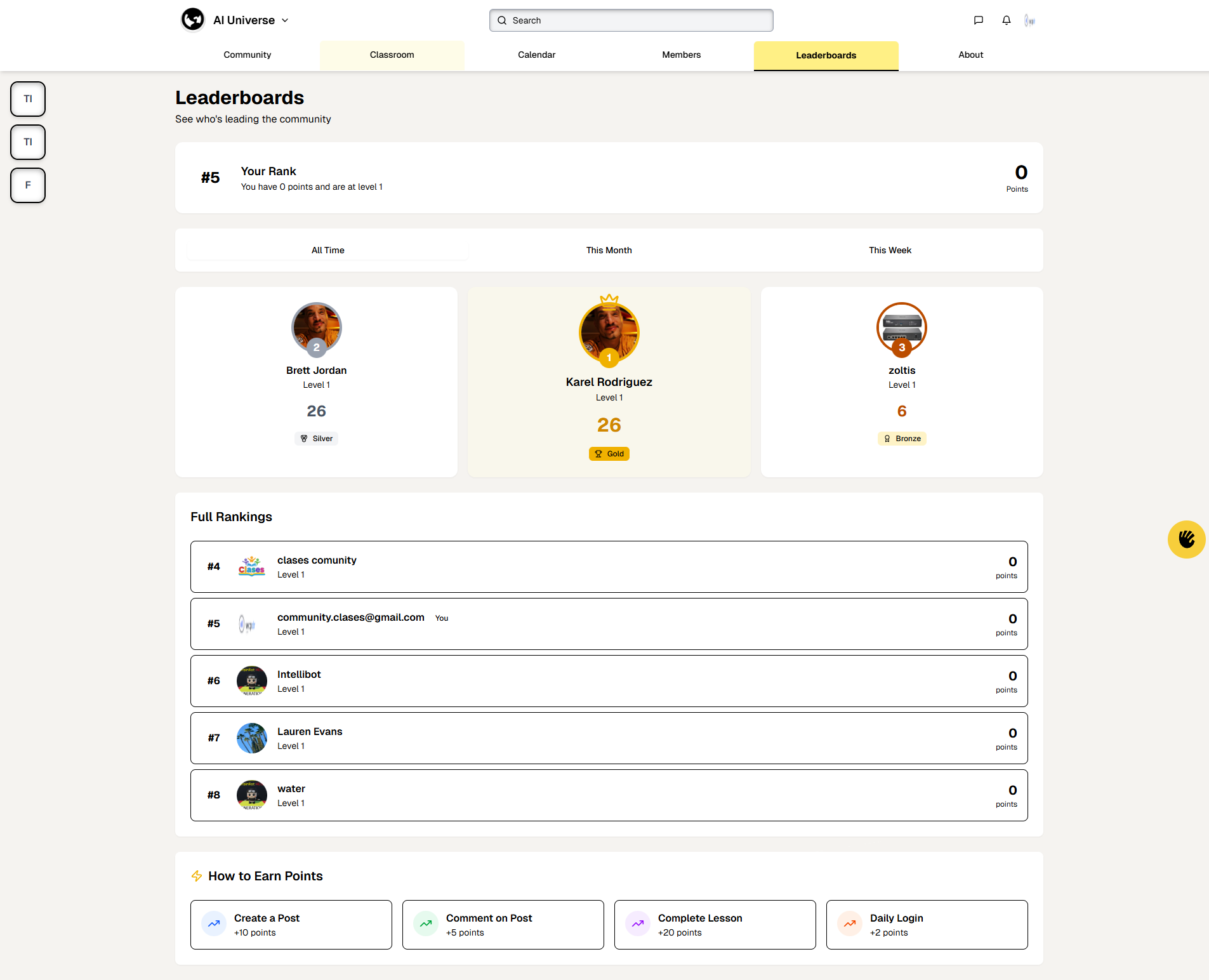
The Leaderboards page shows member rankings based on points and activity.
Key Elements:
-
Page Header:
-
Title: "Leaderboards"
-
Subtitle: "See who's leading the community"
-
-
Your Rank Card:
-
Your Rank: Large number showing your position (e.g., "#5")
-
Details: "You have 0 points and are at level 1"
-
Points Display: Your total points (e.g., "0 Points")
-
-
Time Filters:
-
All Time: View all-time rankings (default, highlighted)
-
This Month: View monthly rankings
-
This Week: View weekly rankings
-
-
Top 3 Podium: Three prominent cards for top-ranked members:
-
Gold (1st Place): Yellow/
gold card with crown icon -
Profile picture with "#1" badge
-
Name and level
-
Points total
-
"Gold" badge
-
-
Silver (2nd Place): White card
-
Profile picture with "#2" badge
-
Name and level
-
Points total
-
"Silver" badge
-
-
Bronze (3rd Place): White card
-
Profile picture with "#3" badge
-
Name and level
-
Points total
-
"Bronze" badge
-
-
-
Full Rankings List:
-
Scrollable list of all members
-
Each entry shows:
-
Rank Number: "#4", "#5", etc.
-
Profile Picture: Member's avatar
-
Name: Member's name (your entry shows "You" label)
-
Level: Current level (e.g., "Level 1")
-
Points: Total points (e.g., "0 points")
-
-
-
How to Earn Points Section: Lists activities that award points:
-
Create a Post: +10 points
-
Comment on Post: +5 points
-
Complete Lesson: +20 points
-
Daily Login: +2 points
-
How to Use:
-
View your current rank and points
-
Switch between time periods (All Time, This Month, This Week)
-
See top 3 members with special badges
-
Scroll through full rankings to see all members
-
Learn how to earn points from the "How to Earn Points" section
-
Click on member names to view their profiles
-
Engage in activities (posts, comments, lessons) to earn points and climb the leaderboard